Scheduled messages
A scheduled message is a campaign that waits: it goes out once at a date and time you pick, or repeats on chosen days of the week. You create one from the campaign builder by choosing Scheduled under "When to send"; this page is where they wait, and where you check, edit, copy or cancel them.
Waiting to send
The list
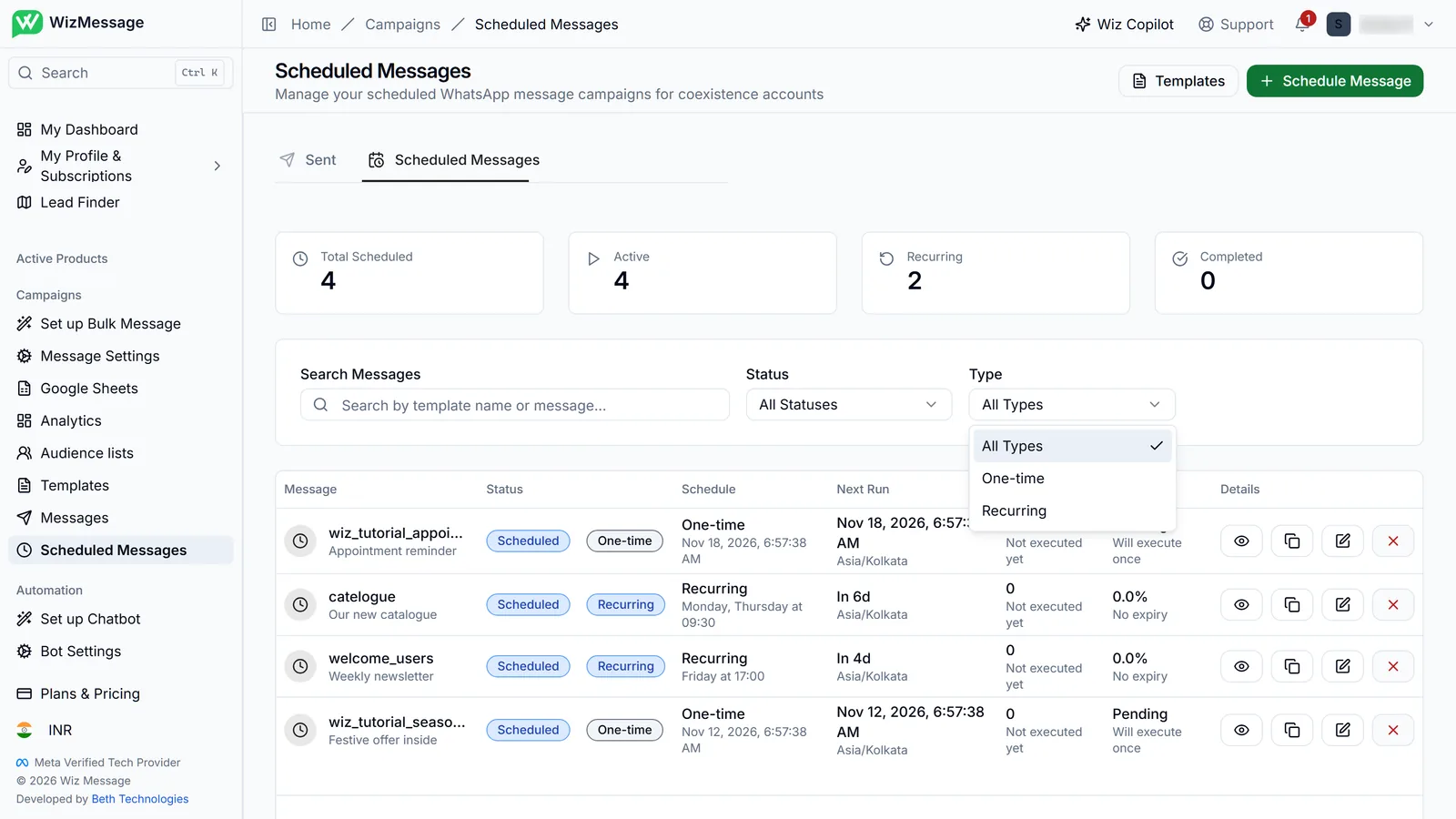
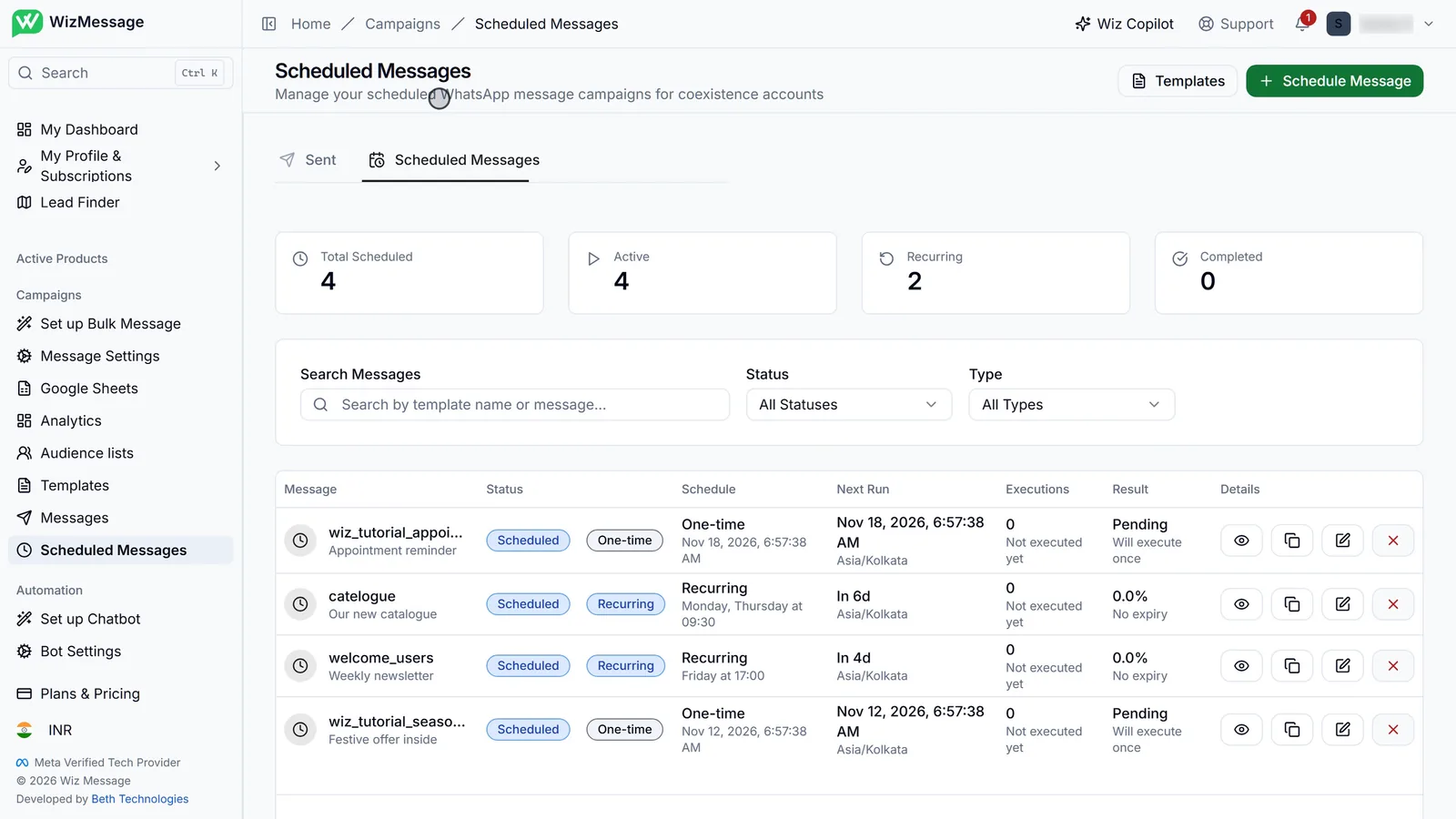
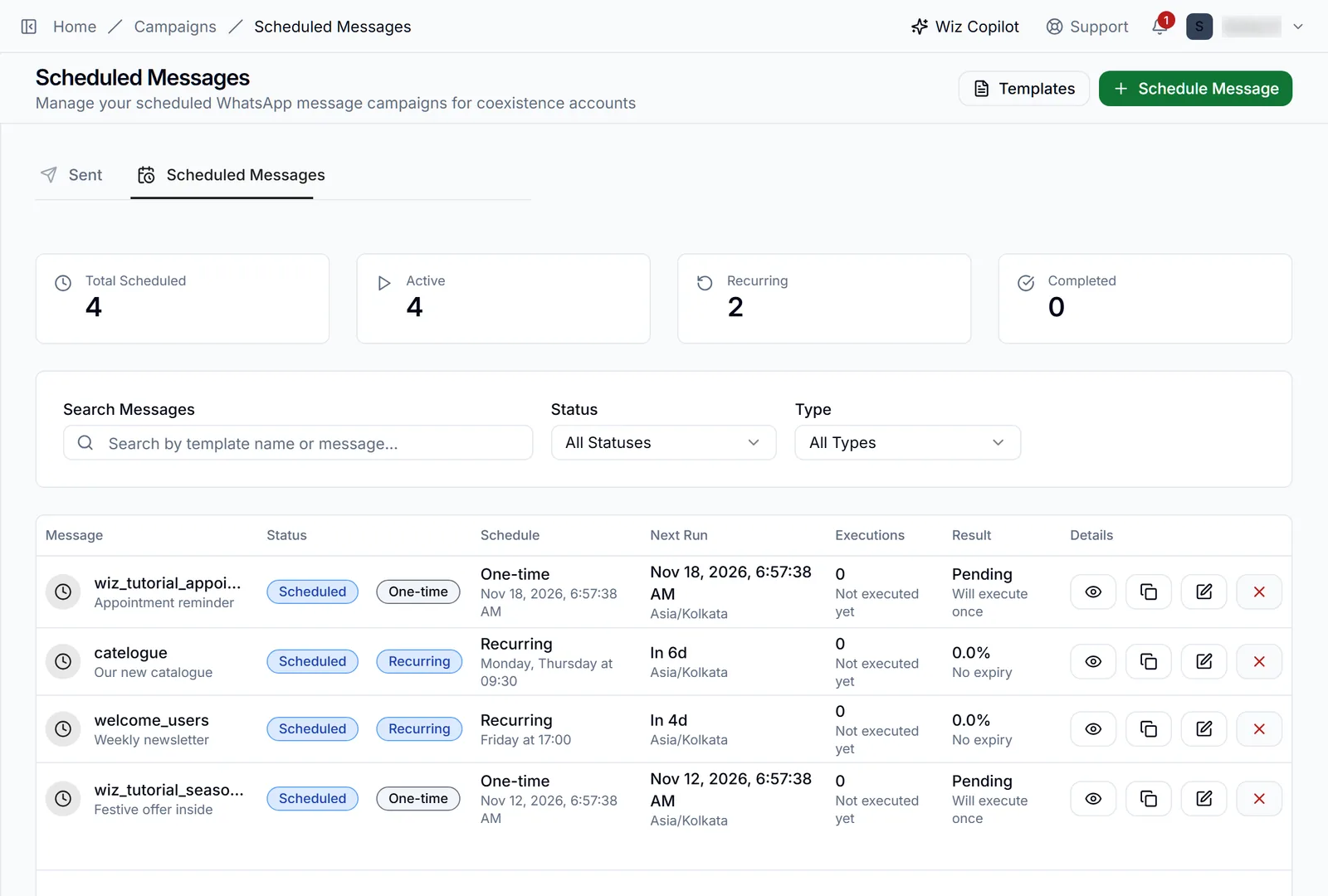
Scheduled Messages sits beside Sent on the Messages page, and in the sidebar under Campaigns. Each row is one schedule: the template, whether it is one-time or recurring, its schedule in words, when it runs next in its own timezone, how many times it has run, and how those runs went. The counters above count schedules, not messages.
A recurring schedule
A recurring schedule repeats on the days and at the time you chose — here Monday and Thursday at 09:30 — and Next Run counts down to the next one. Executions and Result fill in as it runs. The icons on the right open it, copy it into a new one, edit it, or cancel it.

One-time or recurring
The Status and Type filters narrow the list, and search matches the template name or the message. To create a schedule, use Schedule Message at the top, or choose Scheduled under "When to send" while building a campaign — it is the same builder.